Course completion
How to Design an Online Course for Completion
Learn practical online course design patterns that help students start, keep momentum, and reach a useful outcome without relying on unsupported completion-rate claims.
When students do not finish an online course, it is tempting to blame motivation. Sometimes that is true. But many completion problems begin earlier: the promise is too broad, the lessons feel disconnected, the first win takes too long, or the platform makes the next step hard to find.
Designing for completion does not mean forcing every learner through the same path. It means reducing avoidable friction so a busy student can return, understand where they are, and know what to do next.
A student does not experience your curriculum as a spreadsheet. They experience it one next step at a time.
Define what completion actually means
Before you organize modules, decide what a successful student should be able to do when the course is complete. Completion is not just reaching the last video. For a practical course, it should be tied to an observable result.
- A portfolio piece published.
- A launch plan drafted.
- A sales page rewritten.
- A workflow installed and used for a real project.
- A decision made with enough confidence to move forward.
Completion principle
If you cannot describe what a student can do after finishing, the course will be hard to pace, hard to market, and hard for students to value.
Design the first win before the full curriculum
A strong first lesson does not need to teach everything. It should orient the student, lower anxiety, and create evidence that the course is useful. That first win can be small, but it should be concrete.
| Weak first session | Stronger first session |
|---|---|
| A long welcome video about the course. | A short orientation plus a first action. |
| Three theory lessons before doing anything. | One concept followed by a visible application. |
| A vague assignment to reflect. | A prompt that produces a useful decision or draft. |
| A large download library. | One starter resource connected to the next step. |
Turn modules into promises
A module should not only group lessons by topic. It should help the student understand what problem they are solving right now. This is especially important for creators coming from platforms where the course player feels like a file cabinet.
- Name each module after the student outcome, not the internal topic.
- Keep lesson titles action-oriented and specific.
- Put the most important lessons before optional depth.
- Add checkpoints after meaningful milestones.
- End each module with a clear next decision or next action.
| Generic title | Completion-focused title |
|---|---|
| Introduction to positioning | Choose the customer problem your course will own. |
| Platform setup | Publish a checkout-ready course page. |
| Marketing basics | Write the five emails for your launch window. |
| Advanced strategy | Decide what to improve after your first students enroll. |
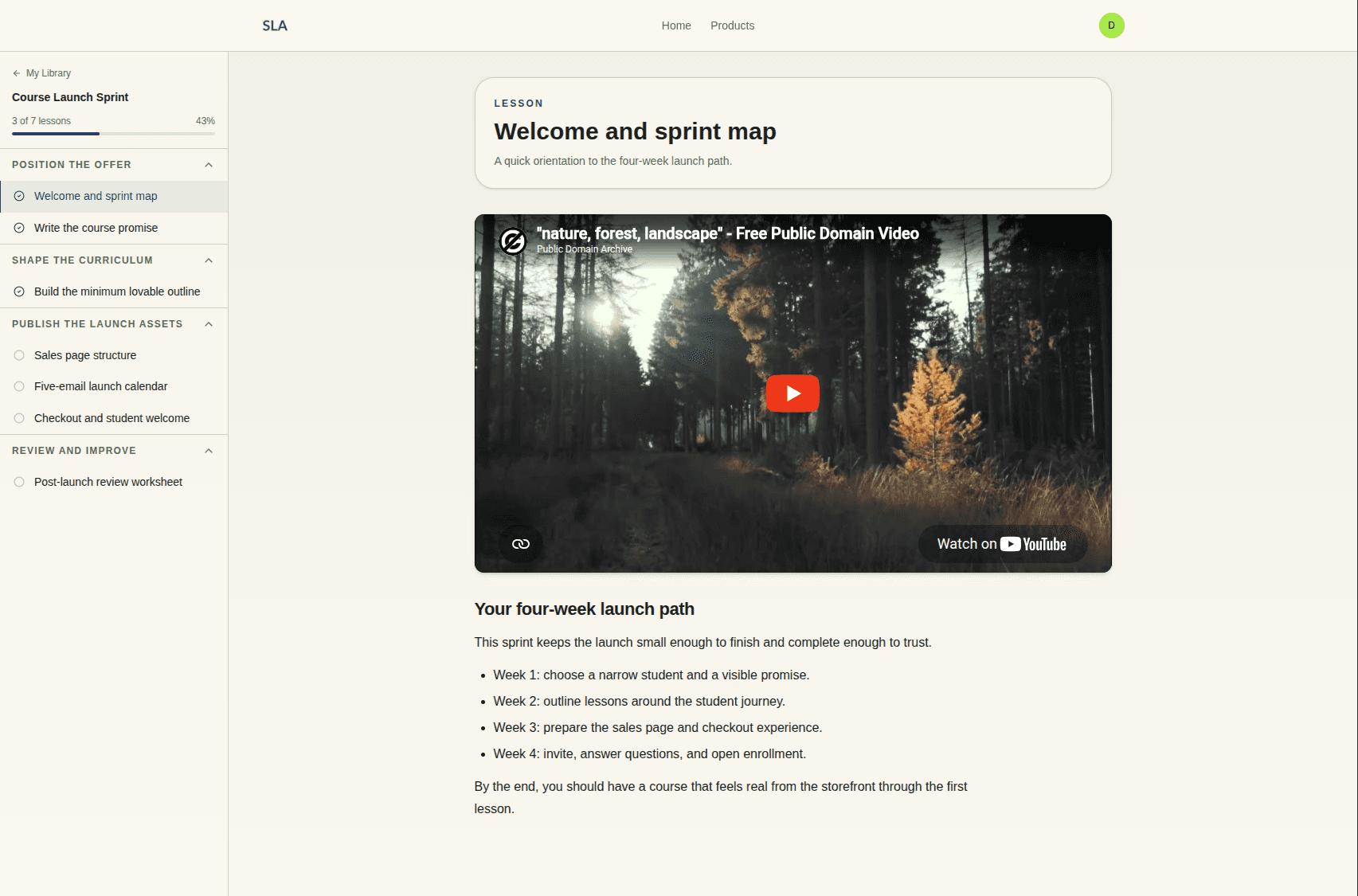
Use progress cues without adding pressure
Progress indicators can help students re-enter the course, but they can also create guilt if the course is too large or if the copy treats slower progress as failure. Good progress design is calm and practical.
- Show what has been completed and what is next.
- Keep optional lessons visually separate from the core path.
- Use milestone language around useful progress, not just percentage complete.
- Let students resume from the last meaningful point.
- Avoid shaming language in reminders or dashboards.
Build support into the course itself
Support is not only live calls or community. It can be built into the content through examples, checkpoints, templates, and troubleshooting notes. The question is simple: where will a capable student get stuck, and what will help them continue without waiting for you?
- Add examples for common starting points, not just ideal students.
- Give students a way to compare their work against a finished sample.
- Include short troubleshooting notes after difficult lessons.
- Separate required assignments from optional reflection prompts.
- Use FAQs inside the course where confusion usually happens.
Audit your existing course for friction
If you already have a course on another platform, do not rebuild everything at once. Walk through the student experience and look for points where a motivated student would still slow down.
- Can a new student find the starting point in under thirty seconds?
- Does the first lesson produce a useful action or decision?
- Are modules ordered by learner progress instead of creator preference?
- Do lesson titles describe what the student will do?
- Are optional materials clearly marked as optional?
- Does the course explain what to do after finishing?
Claim guardrail
It is fair to say a course is designed for completion. Do not claim improved completion rates unless you have measured evidence from your own students.
Want a more intentional student experience?
Crelio's product direction centers on premium course delivery, learner progress, and founder-guided setup.
Explore Crelio featuresFrequently asked questions
Can course design improve completion?
Thoughtful design can reduce friction and support momentum, but exact completion improvement claims require measured data. Treat completion as a product and curriculum design goal, not a slogan.
What should the first lesson of an online course include?
The first lesson should orient the student, explain what to do first, and create a small but useful win. Avoid making the first session a long tour of every future module.
How long should course lessons be?
Lesson length should match the action students need to take. Shorter is usually better when the lesson teaches one decision or one action. Longer lessons can work when they guide a complete workflow and remain easy to pause and resume.
Should I add community to improve completion?
Community can help when peer feedback or accountability is part of the outcome. It can also become another empty space to manage. Add it only when it clearly supports the learning path.